Tips for your store
Which discount type fits which goal?
You want to run a promotion and face the choice: a percentage off everything, a code, a free gift? The wrong type costs margin and still doesn't get you what you wanted. Here is the match, goal by goal.

1 Higher order value: tiers by cart value
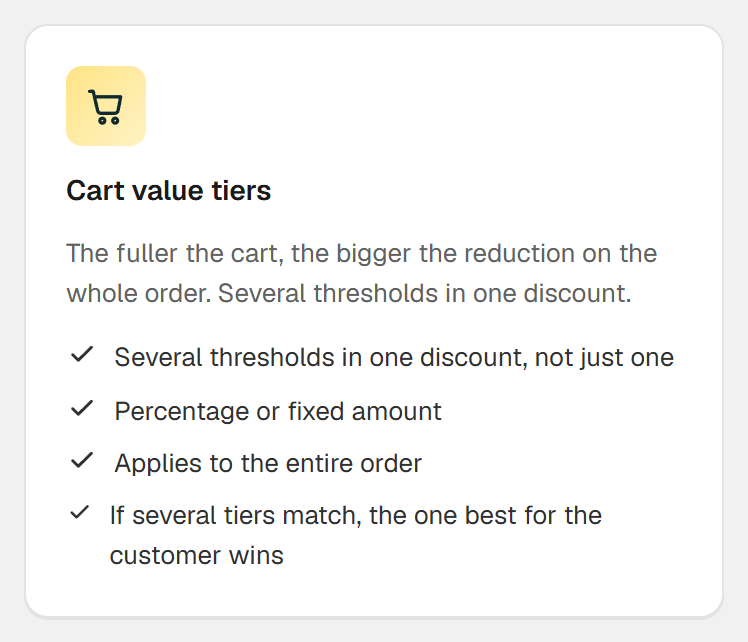
If your customers usually buy one item, cart value is your lever. A tier like 5% off orders of $50 or more and 10% off orders of $80 or more gives carts just below a threshold a next goal that is often just one item away.
In Shopify, an order discount has exactly one minimum purchase amount. Natively you build several tiers as several automatic discounts. If they aren't set to combine, Shopify applies the best one for the cart. That works, but it takes several of the 25 slots for active automatic discounts.
2 More units per order: volume discount
If you sell something people need more than once, such as coffee, filters or socks, reward quantity: 10% off 3 or more units and 15% off 5 or more. That fits better than cart value because it targets exactly the product you want to sell more of.
Natively, a product discount has one minimum quantity, so one tier. Shopify has real quantity price breaks only for B2B customers. For several tiers in a regular store and a table on the product page you need an app.
3 Selling add-ons: bundles
You want the memory card to go along with the camera? Then discount the combination, not the single item. Shopify Bundles, a free app by Shopify, builds fixed bundles as their own product.
If you want customers to choose, say, one item from group A and one from group B, a bundle discount across product groups is the more flexible route. More in the guide on the bundle discount without a bundle product.
4 Crossing a threshold without cutting prices: free gift
A free gift with orders over $60 doesn't lower any price. That protects your price anchor, and the gift only costs you what you paid for it, not its retail price.
Shopify's Buy X get Y makes the gift free. According to Shopify's Help Center, though, the customer always adds it to the cart manually; it is never added automatically. Customers who miss it don't get it.
5 New customers, newsletter, partners: unique codes
For sign-ups, influencers or a win-back email, codes are the right tool, ideally unique ones. One code for everyone ends up on coupon sites sooner or later. One code per person can be limited to a single use and tracked on its own.
Shopify lets you limit usage per discount, including once per customer. Hundreds of unique codes at once are easiest with an app.
6 Shipping costs as the hurdle: free shipping above a threshold
If shoppers drop off at the shipping cost, no product discount helps. Shopify has its own discount type for free shipping, optionally with a minimum purchase amount. You can set that up without an app.
What's missing is the note in the cart that tells customers how far they are from free shipping. That is exactly what a progress bar is for.
7 Clearing stock: discount on specific products, with an end date
For discontinued or clearance items, a native discount on selected products or a collection with a start and end date is enough. You don't need an app for that.
If you sell in the EU and show a struck-through old price, the EU price indication rules apply: the old price shown has to be the lowest price of the last 30 days.
8 When you shouldn't discount at all
If your margin is thin, a percentage discount quickly eats most of your gross profit. At a 30% margin and a 20% discount you have to sell three times as much to keep the same gross profit. A free gift with a low unit cost or free shipping above a threshold is often the better choice then.
| Goal | Discount type | Shopify native | With Hand-E AI Discounts |
|---|---|---|---|
| Higher order value | Tiers by cart value | one tier per discount | all tiers in one discount, bar in the cart |
| More units | Volume discount | one minimum quantity | as many tiers as you like, widget |
| Add-ons | Bundle | fixed bundles with Shopify Bundles | product groups, freely combined |
| Threshold without a price cut | Free gift | customer adds it manually | lands in the cart by itself |
| New customers, partners | Unique codes | create codes one by one | codes in bulk with a prefix, as CSV |
| Shipping costs | Free shipping | yes, above a minimum | bar shows the distance |
Sources
- Shopify Help Center: Automatic discounts (limit of 25)(opens in a new tab)
- Shopify Help Center: Discount combinations(opens in a new tab)
- Shopify Help Center: Amount off products or orders(opens in a new tab)
- Shopify Help Center: Buy X get Y(opens in a new tab)
- Shopify Help Center: Free shipping discounts(opens in a new tab)
- Shopify Help Center: Shopify Bundles(opens in a new tab)
- Shopify Help Center: B2B quantity price breaks(opens in a new tab)
- EU Directive 98/6/EC, Article 6a on price reductions (added by the Omnibus Directive 2019/2161)(opens in a new tab)
Common questions
How many automatic discounts can be active in Shopify at the same time?
What happens when two discounts can't be combined?
Do I need a separate app for every discount type?
Related reads
Multiple quantity breaks don't fit in one discount
In Shopify's discount form you pick one minimum purchase requirement with one value, which means one threshold per discount. For 10% off 5 or more items and 15% off 10 or more, you need two separate automatic discounts natively, or an app that keeps every tier in one discount.
Read moreAn order value discount needs several tiers
Shopify gives an order discount one minimum purchase amount, which means one tier. Natively you build several tiers as separate automatic discounts, and Shopify applies the one with the bigger advantage. Or you set up one Cart value tiers discount in Hand-E AI Discounts.
Read moreTiered pricing calculator
Enter unit price, cost and your tiers: price, margin and extra volume needed per tier, to the cent the way Shopify's checkout does it.
Read more