Tips for your store
Reduce cart abandonment: what keeps shoppers in the cart
Seven out of ten carts are never paid for. Some of those are people just browsing. The rest leave for reasons you can name, and you can fix many of them with settings, not discounts.
1 Know the reasons before you act
Averaging 50 studies, Baymard puts the abandonment rate at 70.22%. Not all of those are lost sales: 42% of surveyed US shoppers had abandoned a cart because they were just browsing. Baymard leaves that group out of the reasons.
Among the rest, extra costs that are too high lead with 40%, followed by slow delivery, not trusting the site with card details, and being forced to create an account.

2 Show the full cost before the cart
One reason is easy to fix: 12% of those who abandon told Baymard they couldn't see or calculate the total cost up front. In an older Baymard study, 64% of users already looked for shipping costs on the product page.
So state shipping costs or the free-shipping threshold right by the buy button. In the EU, price display rules also require you to say whether shipping costs apply.
3 Set a reachable threshold and show the distance
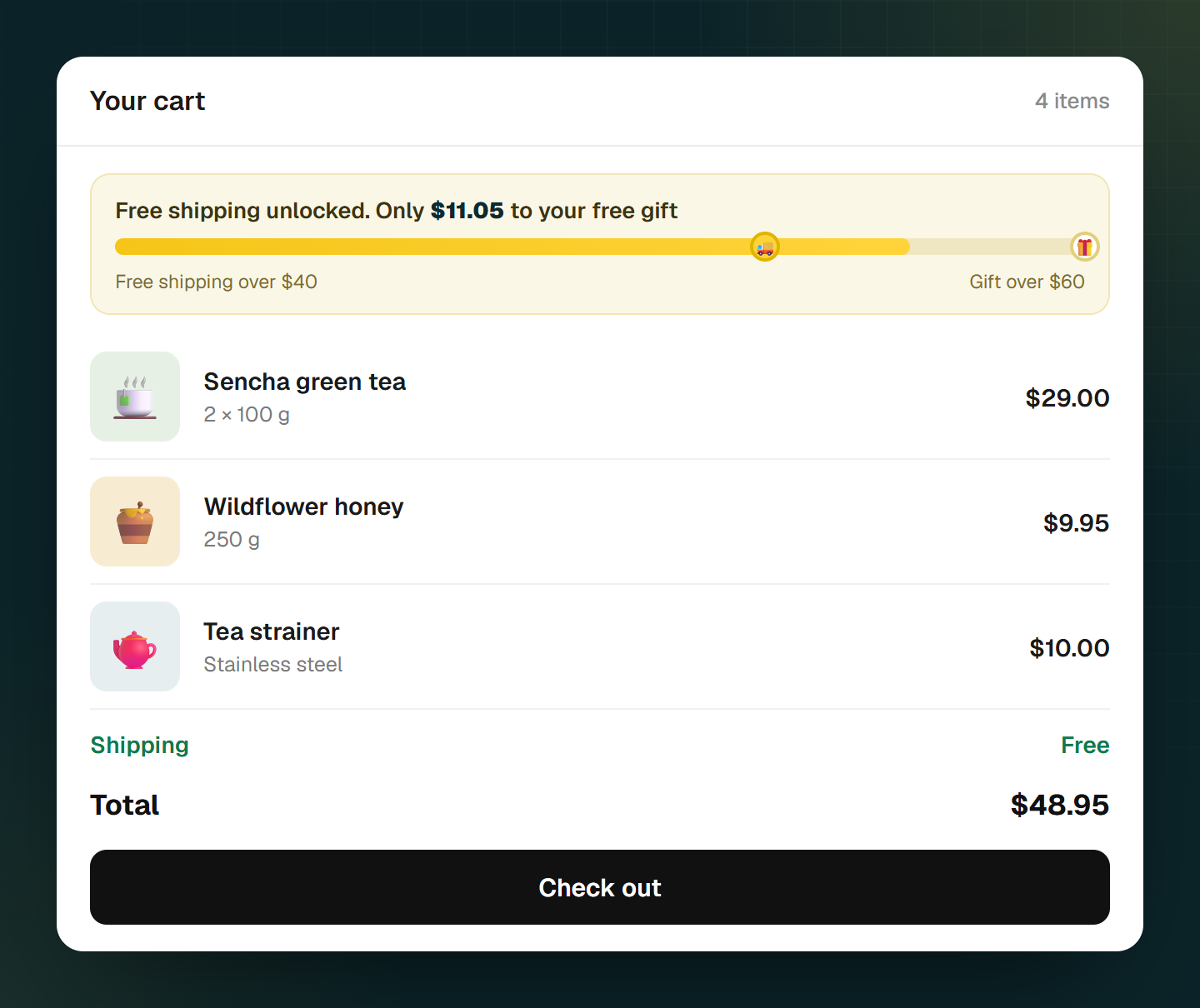
You can set up free shipping over a set order amount in Shopify without an app, through shipping rates or a free-shipping discount. Baymard recommends not stating the threshold only in a banner, but telling shoppers in the cart how much is left, updated live.
Research on the goal gradient suggests why that could work: in a café rewards program, customers bought faster the closer they got to the free coffee. The study was about stamp cards, not carts, so the effect in a cart is plausible but hasn't been measured.
4 Don't force an account
18% of those who abandon name forced account creation. There's a hidden side effect in Shopify too: if you require sign-in before checkout, Shopify hides express buttons like Apple Pay in the cart. Keep sign-in optional, and check what's set under your checkout settings.
5 Offer the payment methods shoppers expect
In Baymard's survey, 9% of those who abandoned said there weren't enough payment methods. Preferences differ by market: in Germany, for example, PayPal and pay by invoice together accounted for more than half of online revenue in 2024, according to EHI.
Also show accepted payment methods early, in the footer or on the product page, so nobody finds out at the last step.
6 Give a delivery date instead of "3 to 5 business days"
20% of those who abandoned found delivery too slow. Sometimes it isn't slow, just badly explained: Baymard watched users do mental math or open a calendar at "3 to 5 business days". 41% of the stores studied gave no delivery date.
Add transit times to your shipping rates and Shopify shows them at checkout. A date on the product page needs a theme that supports it, or an app.
7 Shorten the form
An average US checkout shows 23.48 form elements, according to Baymard (14.88 if you count only the form fields); 12 to 14 elements would be ideal. In Shopify you can set company name, address line 2 and phone to "Don't include" or "Optional". Careful: if company name is required, some express payment options like Apple Pay disappear.
8 Turn on the reminder email, without a discount by default
Shopify counts a checkout as abandoned when the customer entered their email and the purchase stays open for more than ten minutes. The automatic reminder runs through Shopify Messaging and is free. By default it goes only to customers who agreed to marketing emails, which is the cautious choice in many markets.
Baymard explicitly lists discount offers under what doesn't work: they only treat the symptom. On top of that, customers who get a code in every reminder can learn to wait for the email before buying.
Sources
- Baymard Institute: Cart Abandonment Rate(opens in a new tab)
- Baymard Institute: How to Reduce Cart Abandonment (2026)(opens in a new tab)
- Baymard Institute: Show Shipping Costs on Product Pages (2017)(opens in a new tab)
- Baymard Institute: Avoid Banners-Only Free Shipping (2017)(opens in a new tab)
- Kivetz, Urminsky, Zheng: The Goal-Gradient Hypothesis Resurrected, Journal of Marketing Research 43(1), 2006(opens in a new tab)
- Shopify Help Center: Free shipping discounts(opens in a new tab)
- Shopify Help Center: Checkout form options(opens in a new tab)
- EHI: PayPal strengthens top position (2024 figures, German)(opens in a new tab)
- Baymard Institute: Shipping Speed vs Delivery Date (2023)(opens in a new tab)
- Shopify Help Center: Shipping rates and transit times(opens in a new tab)
- Shopify Help Center: Abandoned checkouts(opens in a new tab)
- Shopify Help Center: Abandoned checkout automation(opens in a new tab)
Common questions
When does Shopify count a checkout as abandoned?
Can I send reminder emails to everyone who abandoned a cart?
Should I offer a discount in the reminder email?
Related reads
Improve your conversion rate
Where your store loses buyers, what speed, trust and visible savings do: eight steps with evidence.
Read moreIncrease average order value
Thresholds from your own order data, visible tiers, relevant add-ons: eight levers with evidence.
Read moreThe free gift doesn't land in the cart by itself
Shopify's Buy X get Y discount makes a gift free, but according to the help center it never adds it to the cart itself. Hand-E AI Discounts adds the gift through a theme app embed once the cart value is reached and removes it again when the value drops below.
Read more